New
Your money on your home screen
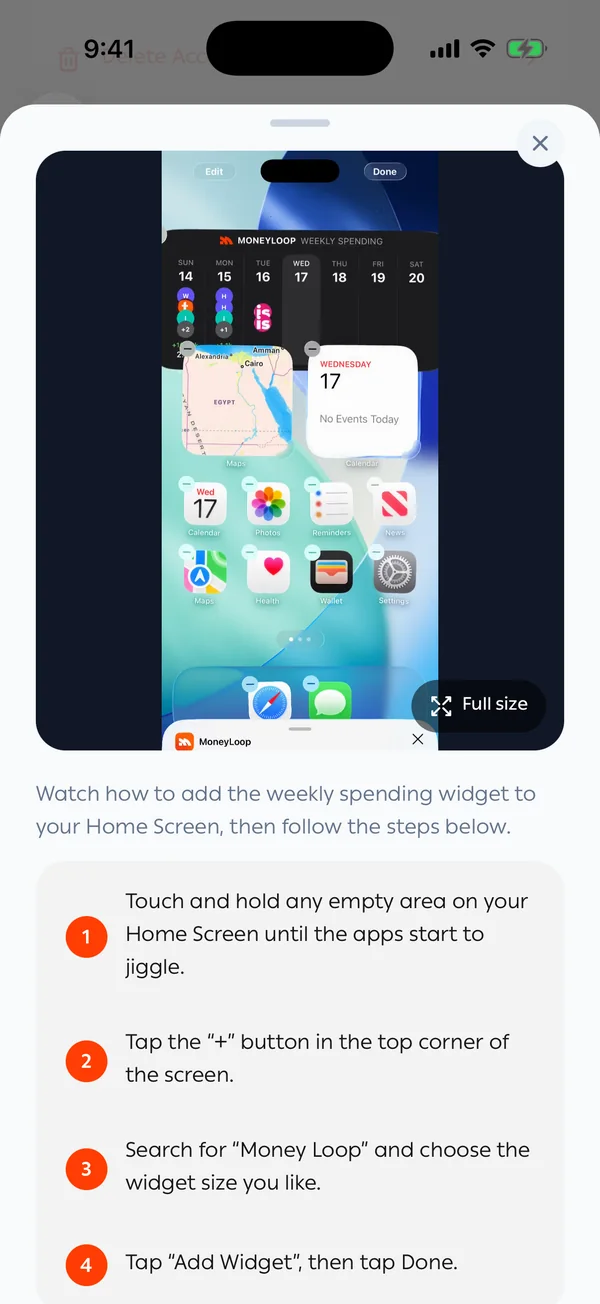
Add MoneyLoop widgets to see your balance, today's spending and upcoming subscriptions at a glance, without opening the app.
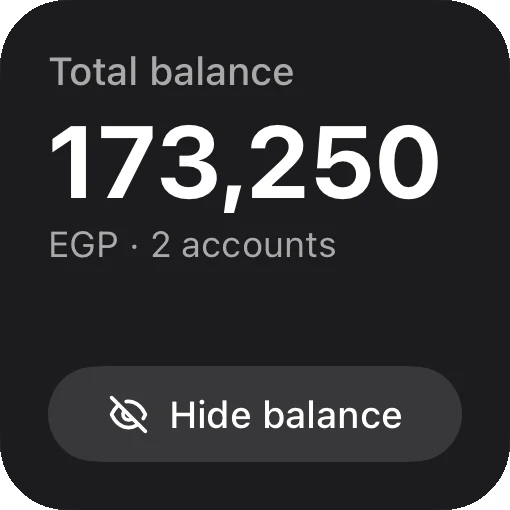
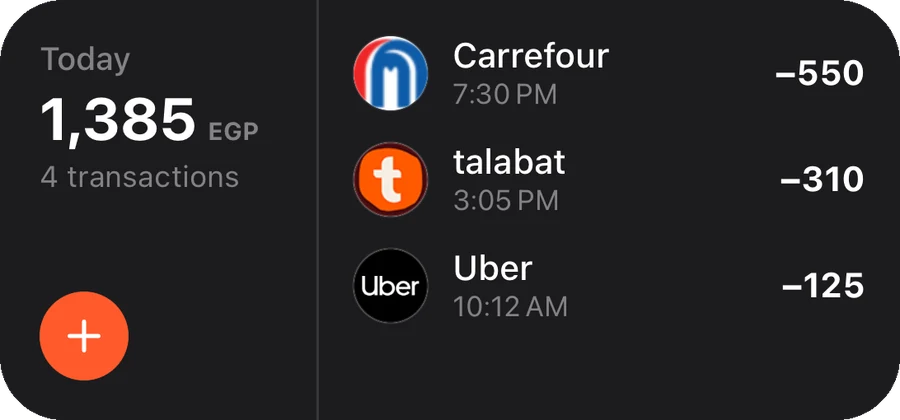
Your balance and today's spending
Your total balance with a hide button, and today's payments as they happen.
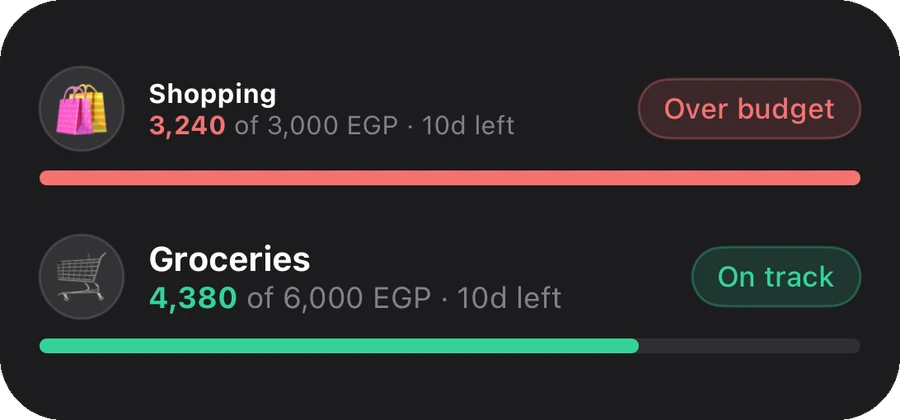
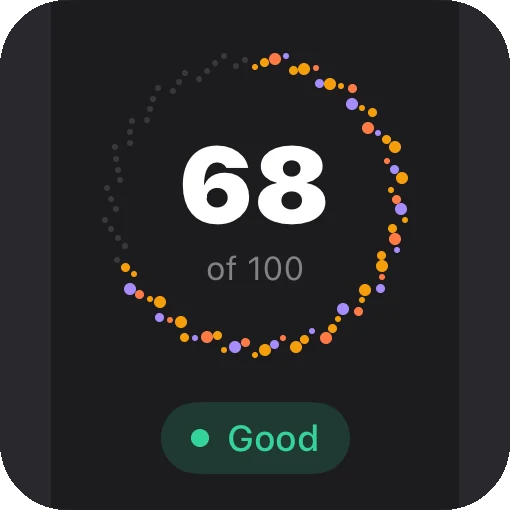
Budgets at a glance
What's left in each budget, and which one went over.
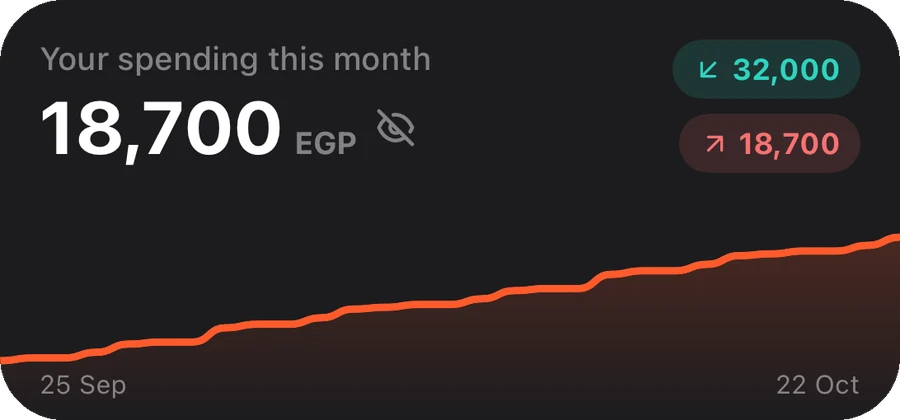
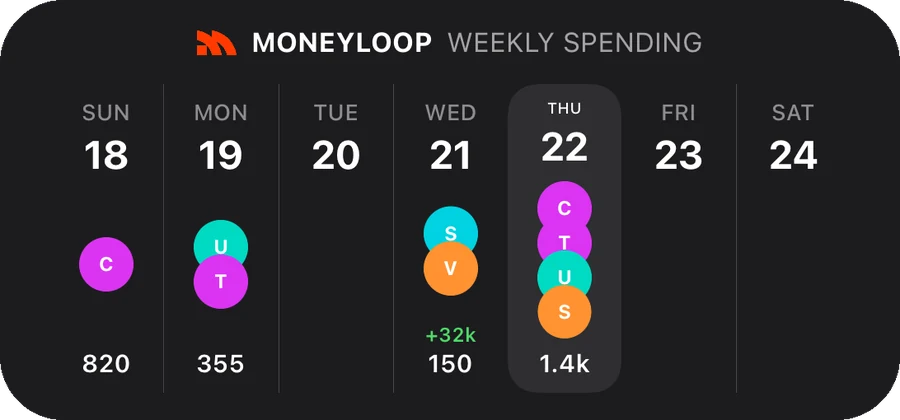
Your month and your week
This month's spending against your income, and each day of the week.
Add a widget in four steps
- 1Long-press your home screenUntil the icons jiggle or edit mode opens.
- 2Tap “Add widget”On iPhone use the + button at the top; on Android open the widgets list.
- 3Search for MoneyLoopPick the size that suits you: small or medium.
- 4Place it where you likeThe widget updates itself with every new payment.