Your spending logs itself from bank texts
Every debit or deposit text from your bank, wallet or InstaPay becomes a clean entry with the amount, merchant, account and category. No typing, and no bank password.
Get MoneyLoop free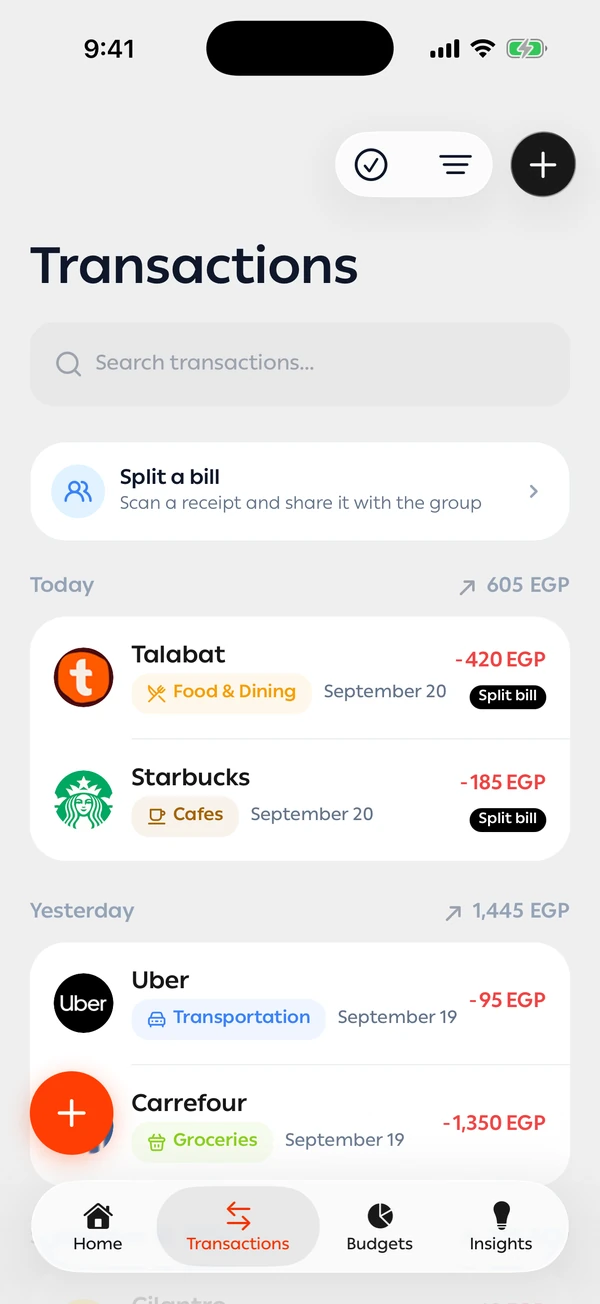
How does MoneyLoop log my spending from bank texts?
MoneyLoop logs your spending on its own from bank, wallet and InstaPay texts. On Android it reads bank messages once you allow it; on iPhone a Shortcuts automation forwards bank texts only. Each text becomes a transaction with the amount, merchant, account and category. We never ask for your bank password, and OTP messages are blocked on your phone, so they never reach our servers.
Egyptian banks and wallets
Works with texts from the major banks, mobile wallets and InstaPay transfers, with new senders added all the time.
No bank password, ever
We never connect to your bank or ask for your login. We work from the text you already receive.
The right category, every time
It recognises the merchant, files the payment under the right category and learns from every change you make.
Your transactions, in full detail
Automatic tracking is only the start. From the Transactions screen you search, filter, edit and export, and bring your whole history across.
Search and filter any way you like
Search by merchant, description or note, and stack as many filters as you need. Any filter shows the total in and out for what's on screen, so you know what one category cost you in any period.
- Period
- Type
- Category
- Account
- Tags
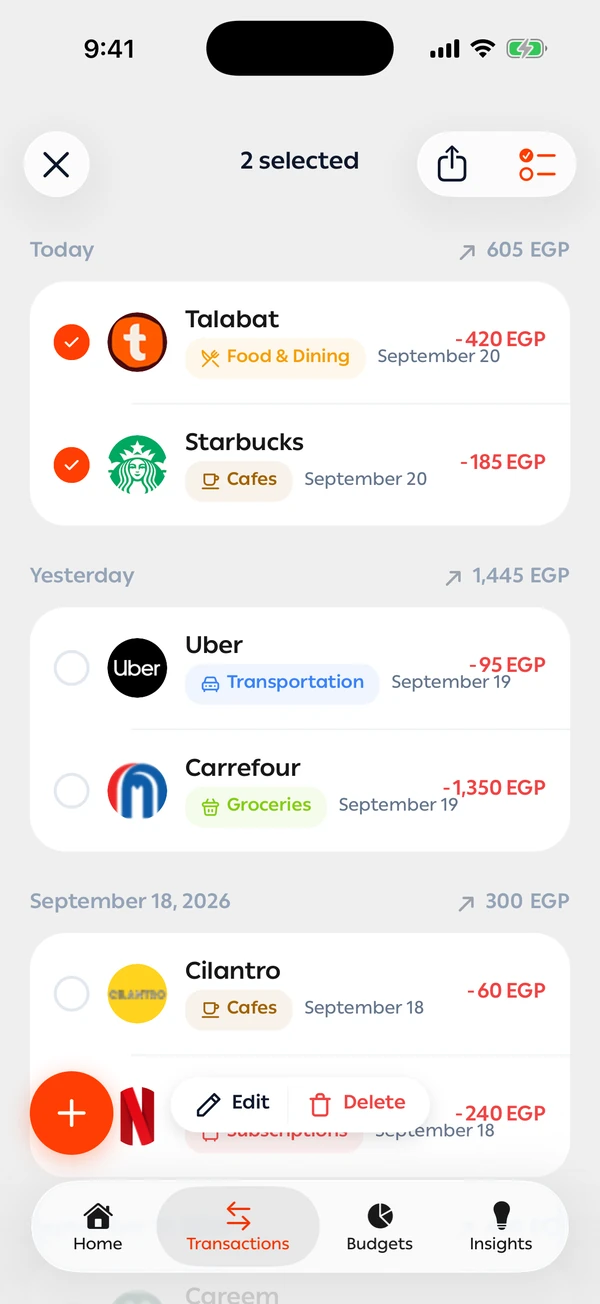
Fix twenty transactions at once
Pick transactions, or everything that matches a filter, and change the category, account, merchant or tags in one go. Export them as a CSV whenever you need.
- Category
- Account
- Merchant
- Tags
- Export CSV
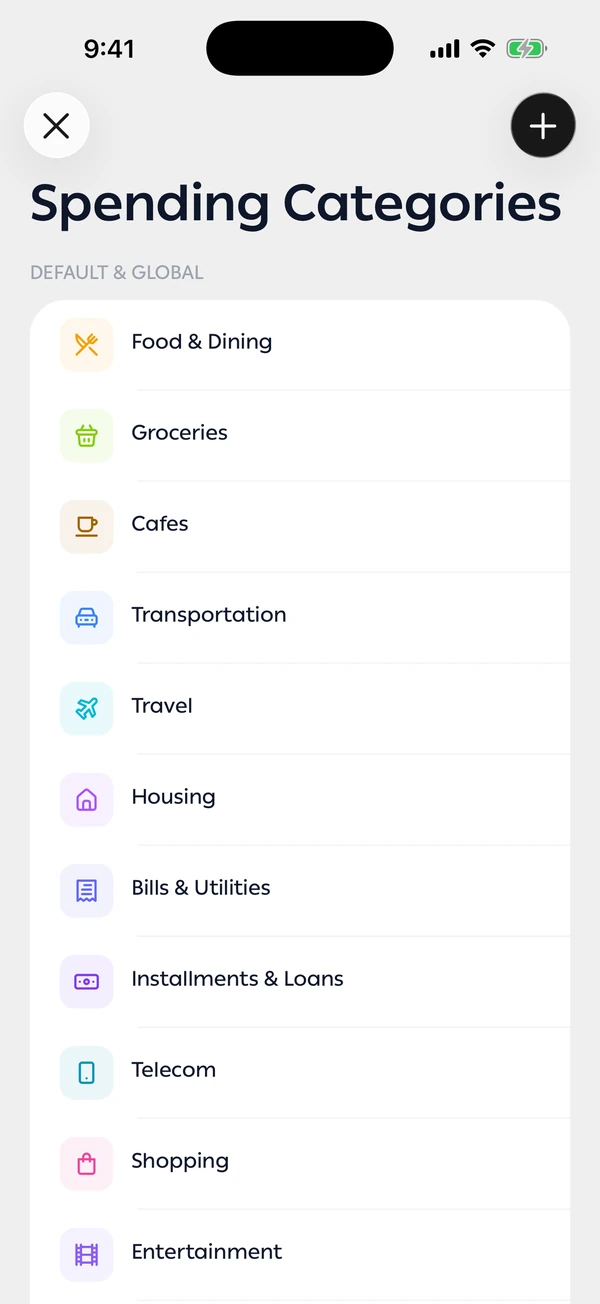
Categories and rules that fit you
Create your own categories with a colour, an icon and hint words the app learns from. Correct a merchant once and it offers to make that a rule that applies on its own.
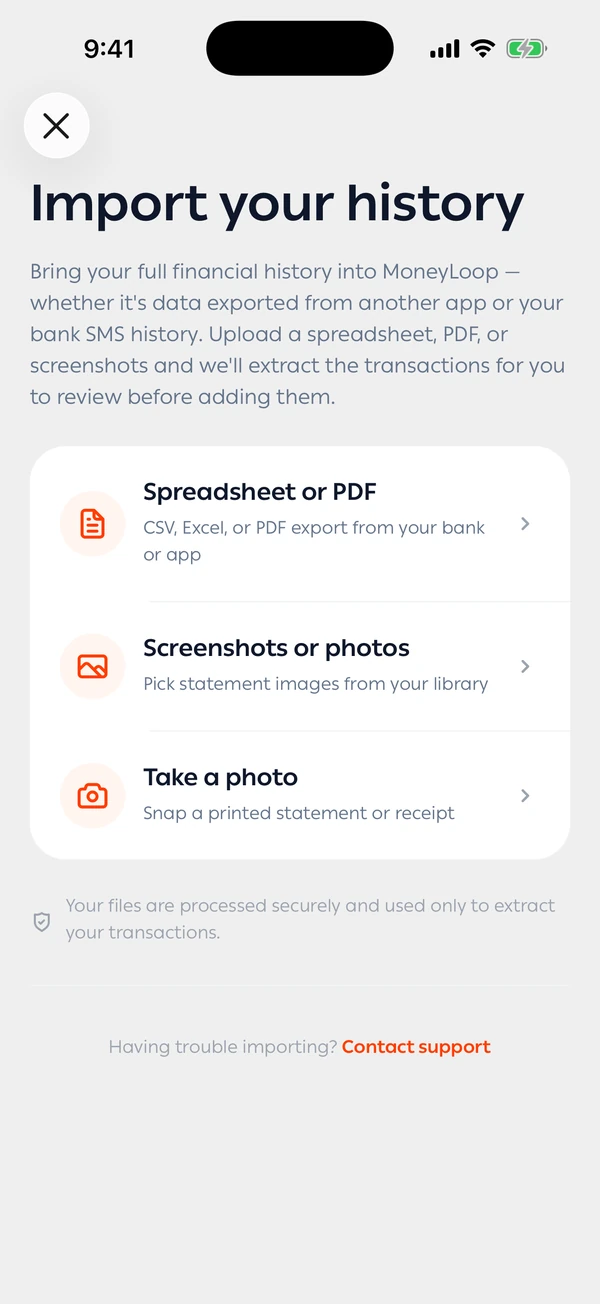
Bring your old history
Import a bank statement, a file from another app or photos of a statement. Duplicates are left out, unsure rows are flagged, and nothing is added until you approve. Importing is part of the yearly plan.
- Spreadsheet or PDF
- Photos
- Camera
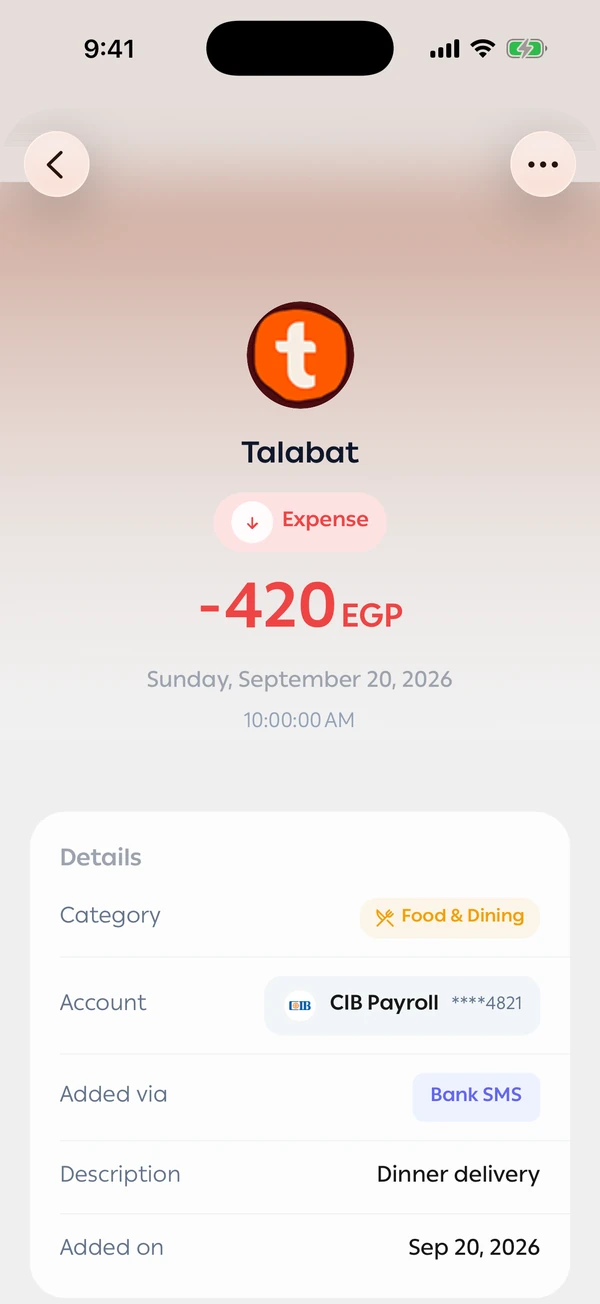
Everything about each payment
Open any transaction to see its merchant, category, account and where it came from, split it with friends, or report it if the text was read wrong.
Tracking without the effort
This is the best money tracking app I used so far, the best feature is the easy spendings registering through just SMS or texts.